
Team building
Make time for the people on your team
Give colleagues a shared challenge and a reason to talk beyond the task list. Play together at your next team catch-up, in the office or on a call.
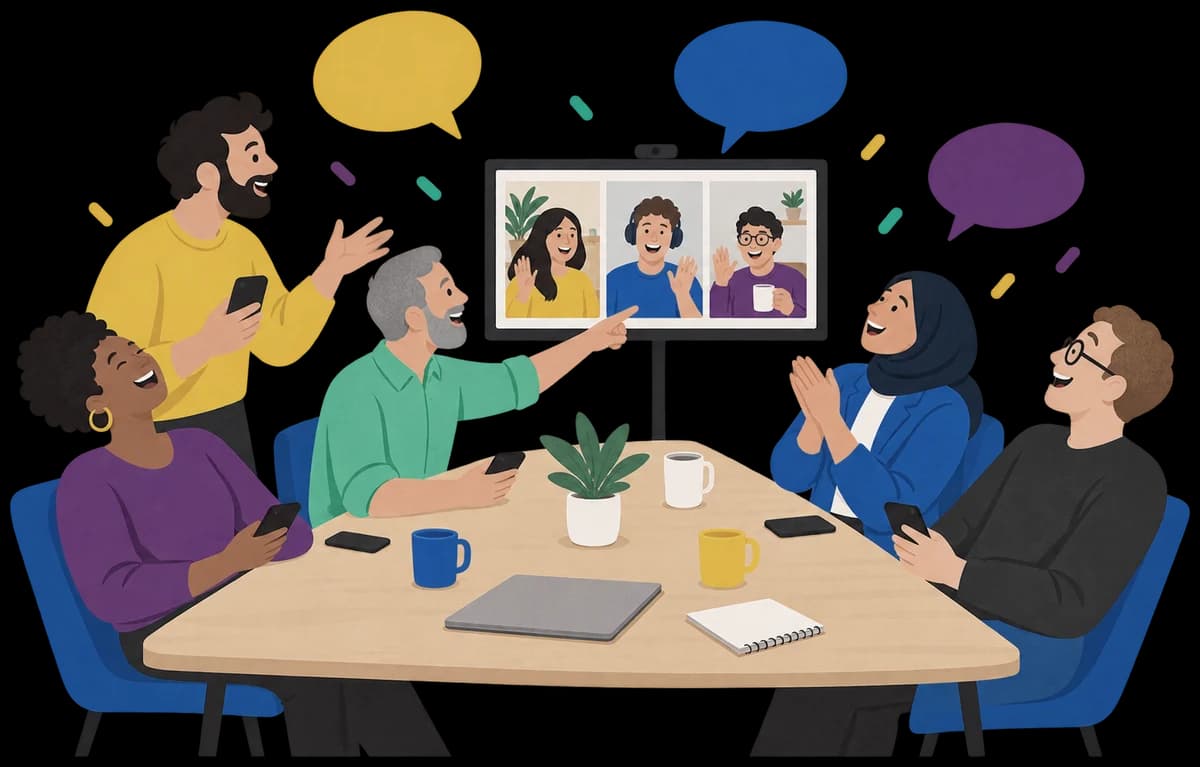
Why make time for a game?
Research links trust with better team performance. Studies of team building and shared games also give managers a reason to make time for activities together.
49.6% vs 20.3%
More improvement on a team task
Student teams improved their scavenger-hunt scores by 49.6% on average after playing video games together, versus 20.3% after working alone.
81 newly formed teams. A 45-minute session between attempts. University experiment, 2021.
Team Building Through Team Video Games (2021) (opens in a new tab)112 studies
Teams with more trust performed better
Trust between teammates was linked with better team performance. The link held even after researchers accounted for past performance.
A review covering 7,763 teams. It measured the link between trust and performance.
Trust and Team Performance (2016) (opens in a new tab)20 studies
Team building can help
A review found moderate benefits from team building. The strongest results were in how teammates related to each other and how they worked together.
Covered activities for goals, roles, relationships and problem solving.
Does Team Building Work? (2009) (opens in a new tab)
These studies didn't test Ziago. It's one way to give your team time to talk and tackle something together.
Play wherever your team is
Everyone needs their own phone, tablet or computer. A shared screen helps people join.
At the office
Put the join code on the big screen
Pick a game on the computer connected to your room's screen, then tap Create game.
Scan the host code with your phone. The big screen will switch to a join code for everyone else.
Ask everyone to join with a first name. Sort the teams if needed, then tap Start game.
On a video call
Keep the call going while you play
Create a game on your computer, then scan the host code to play from your phone.
Share the join screen on the call, or paste the game link in the chat.
Once everyone's in, tap Start game. Keep the call open so you can hear each other.
Pick something your team would play
All five games have a Work setting. It's already selected when you start from this page.
- Safe for Work
TikTalk
- 4–30 players
- 2+ teams
Race the clock as you describe a word and your teammates type their guesses. Just don't say the word!
- Safe for Work
Seems Legit?
- 3–24 players
- 3–8 teams
Find out who can make a lie sound convincing. Write a fake answer together and try to get the other teams to believe it.
- Safe for Work
Anonyme
- 2–30 players
- Everyone plays for themselves
Everyone knows your character except you. Ask your colleagues yes-or-no questions until you can put a name to it.
- Safe for Work
Common Ground
- 4–40 players
- 2–5 teams
How hot is a cup of tea? Give a clue and see whether your colleagues put it in the same place on the scale.
- Safe for Work
Jinxed
- 3–40 players
- Everyone plays together
Help each other guess the word with one-word clues. Think beyond the obvious, because matching clues cancel out.



You can play while you host
Skip the downloads
Send the link and ask everyone to join with a first name. No accounts or apps to sort out.
Join in yourself
Ziago keeps track of turns and scores, so you can play along with your team.
Talk it through
Debate a clue, try to spot a bluff or help a teammate find the word. There's something to talk about straight away.
Check the time
The lobby shows an estimate once people join. Change the settings there to fit the time you have.
Before you get everyone together
- How many people can play?
- From 2 to 40, depending on the game. Check the player numbers above before you pick one.
- What if some of us are at home?
- Get everyone on a call and share the game link. People in the room and people at home can play in the same game.
- What does everyone need?
- Each player needs a phone, tablet or computer with internet access. Open the link in a browser and join with a first name. No app or account needed.
- Can we fit a game into a meeting?
- Check the playing-time estimate in the lobby once everyone has joined. It depends on your group size and settings, so you can adjust it before you start.
- What do you keep about us?
- We keep the names you join with, your teams and what happens in the game. We don't show ads or sell your data. A game closes once nobody has had it open for 5 hours, and we delete it 3 months later.
Try one at your next team catch-up
Pick a game your colleagues would go for and send them the link.