
Schools
Give every student a chance to speak
Practise explaining ideas, asking questions and listening to each other through games. Every student has a part to play.
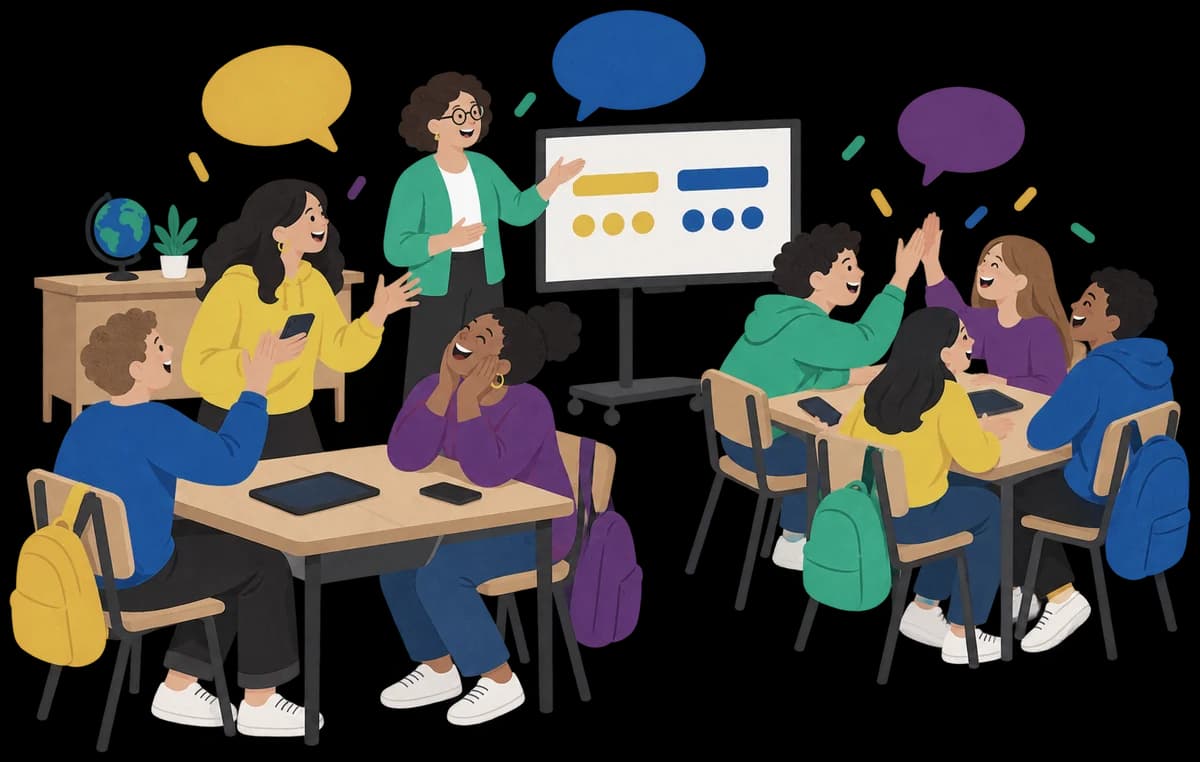
Get the class ready to play
Each student needs a device with internet access. You can use a classroom screen to help everyone join.
Before students join
Set up the game
Have one phone, tablet or computer ready for each student. They'll play in the browser.
Pick a game below, choose your packs and tap Create game. School will already be selected.
On a classroom computer, scan the host code with your phone. The computer will then show a join code for the class.
Once the class is ready
Bring everyone in
Put the join code where everyone can see it. Students scan it or type it in, then join with a first name.
Sort the teams if the game has them, then tap Start game.
Each student's screen shows what to do next. You can join in while Ziago keeps the score.
Choose what you'd like them to practise
Explain a word, ask a better question or make a case for an idea. All five games have content for School.
TikTalk
- 4–30 players
- 2+ teams
Students explain a word without saying it while their teammates type guesses. If the first explanation doesn't land, they have to try another way.
Seems Legit?
- 3–24 players
- 3–8 teams
Teams make a case for their ideas before choosing a believable fake answer. The Presenter reads the question and answers out to the group.
Anonyme
- 2–30 players
- Everyone plays for themselves
Students choose yes-or-no questions to narrow down their secret character. They need to listen to each answer before deciding what to ask next.
Common Ground
- 4–40 players
- 2–5 teams
Students on the guessing team explain their thinking, hear each other out and agree where a clue fits on a scale, like Cold to Hot.
Jinxed
- 3–40 players
- Everyone plays together
How much can you say with one word? Clue writers choose their words carefully so the guessers can work out the answer. Matching clues cancel out.




Help the class get involved
Content for your class
Start a game from this page and we'll leave adult topics out of Ziago's content. You can still choose the packs your class will play.
No student sign-ups
A first name is enough to join. Students don't need email addresses or passwords.
Let them think out loud
A clue or a question gives students something to say. Teammates can ask, explain and work through answers together.
Keep control of the game
You choose the packs and sort the teams. As host, you can also restart the game or remove a player.
Before you try it with your class
- What age are these games for?
- Middle school and up. Choose the packs that suit your class, with School selected to leave out adult topics.
- Do students need accounts or emails?
- No. They join with a first name. Under-18s need a parent's, guardian's or teacher's permission, as our Privacy Policy explains.
- Can students share a device?
- Each player needs their own phone, tablet or computer. Their screen may show a word or clue that other players shouldn't see.
- Can I use the classroom screen?
- Yes, put the join code up for the class. During play, students use their own screens. The spectator view can reveal answers, so keep it off the shared screen while students are playing.
- How big a class can play?
- Up to 40 players can join one game. Check the player numbers shown with each game above.
- What do you store about students?
- We keep the first names they join with, their teams and what happens in the game. There are no ads. Games close after nobody has had them open for 5 hours, and we delete them 3 months later.
Give them something to talk through
Pick a game for your next lesson and let students practise putting their ideas into words.